Linux broken fractional scaling
Hey,
I found a bug (maybe not 100% sure).
If you use a 1440p Monitor on Linux (Fedora 44 + gnome) with fractional scaling (133%) so everything is the roughly the same size as an 1080p Monitor, Satisfactory Modeler does not scale the UI and you end up with a very tiny UI.
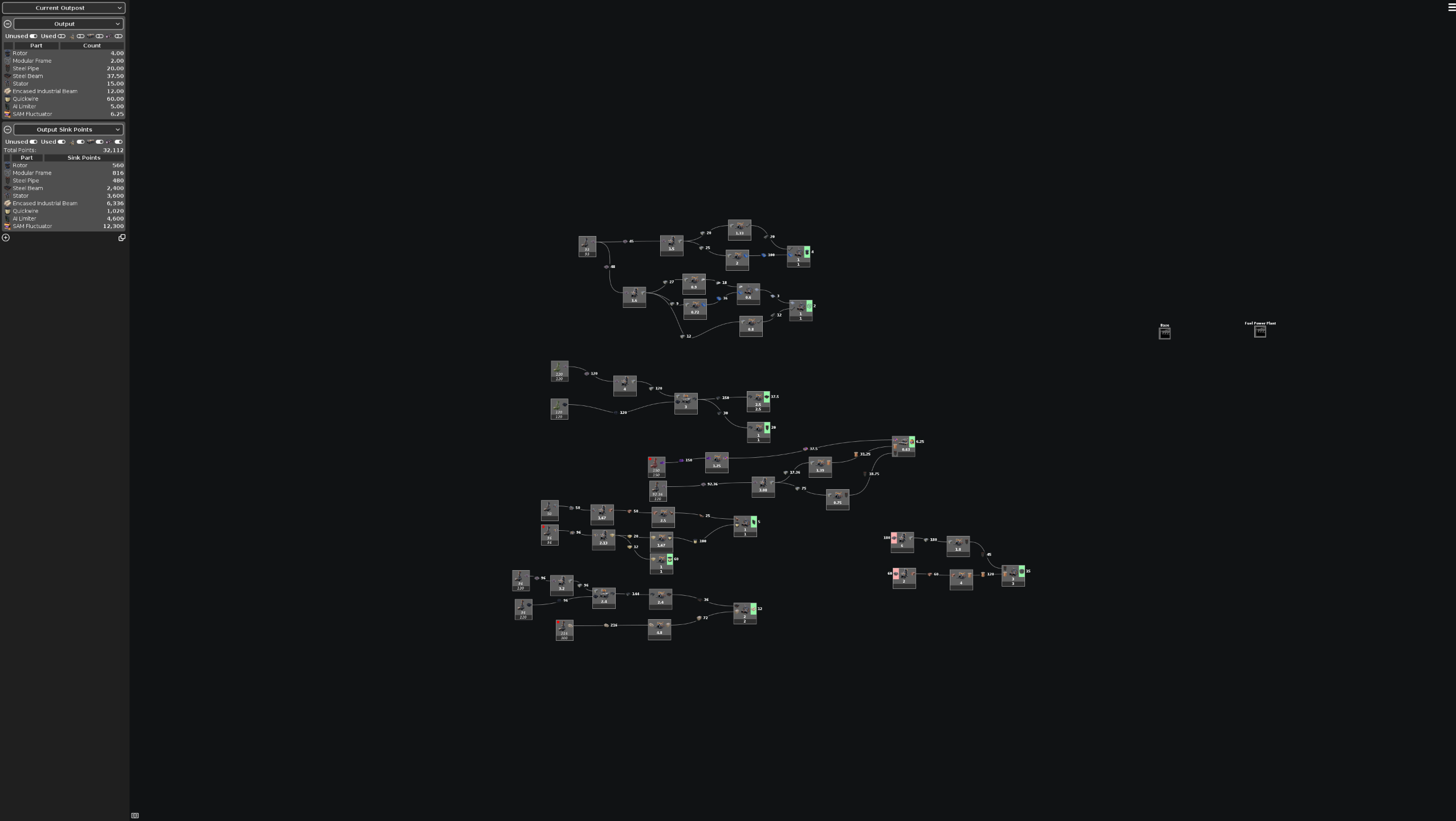
However I found a few ways around it:
My first way but the most resource hungry
Proton Experimental
Launch Options:
gamescope -w 1920 -h 1080 -W 2560 -H 1440 -F fsr -S fit -f -r 144 -- %command%
Where:
-w 1920 -h 1080-> Your upscaled resolution-W 2560 -H 1440-> the resolution the game runs at -> should be your monitor resolution so upscaled text is not blurry-F fsr -S fit-> upscaling mode and upscaler filter-f-> fullscreen-r 144-> refresh rateLinux native
Launch Options: _JAVA_OPTIONS="-Dsun.java2d.uiScale=200%" %command%
This uses just a java awt or swing (not sure and idc tbh) argument. 200% -> adjust until you are happy
Some JVM Stuff:
While debugging this I found: https://docs.oracle.com/en/java/javase/25/troubleshoot/java-2d-properties.html#GUID-2DC38ED7-7F26-4489-B3B5-C3B0B31E2786
Where it is stated:
Linux (X11): Scaling is applied only if the desktop scale is 2 or greater, rounded down.
This maybe because Java Swing/AWT is NOT running wayland native and fractional scaling is a wayland only feature and xwayland (compat. layer between x and wayland) does not support fractional scaling.
However _JAVA_OPTIONS="-Dsun.java2d.uiScale=133%" and I do not really know why.
So I am not sure why fractional scaling does not work out of the box. Maybe it is Java or maybe it is Satisfactory Modeler so I have maybe found a bug or maybe this is more like a feature request or a java limitation.
Log in to comment and vote
Comments1
Timon Klinkert
Oct 29
Just a small addition:
Setting my Display Scale to 200% works fine with the satisfactory modeler which checks with the Java Docs.