some UI elements are scaled incorrectly
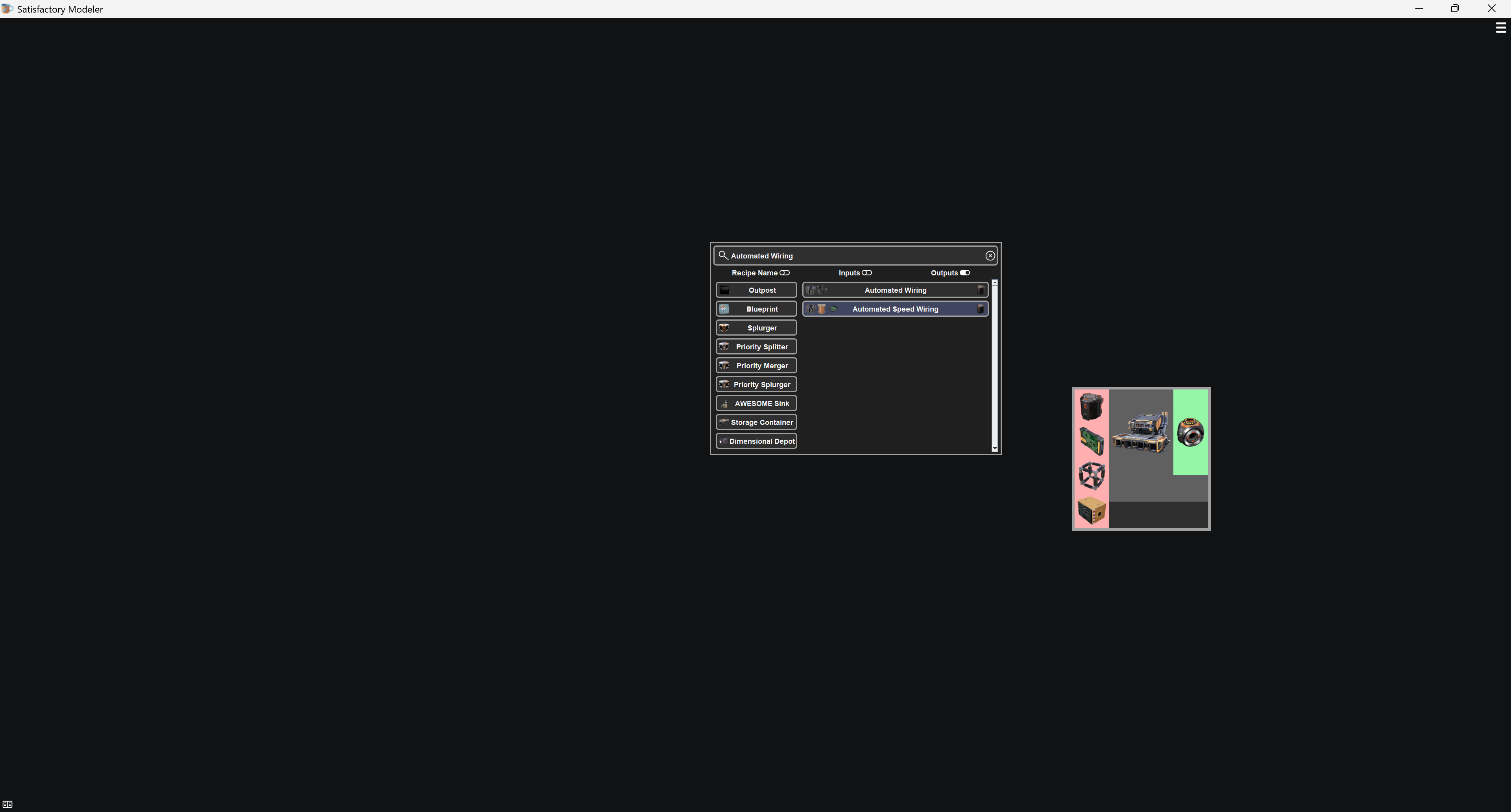
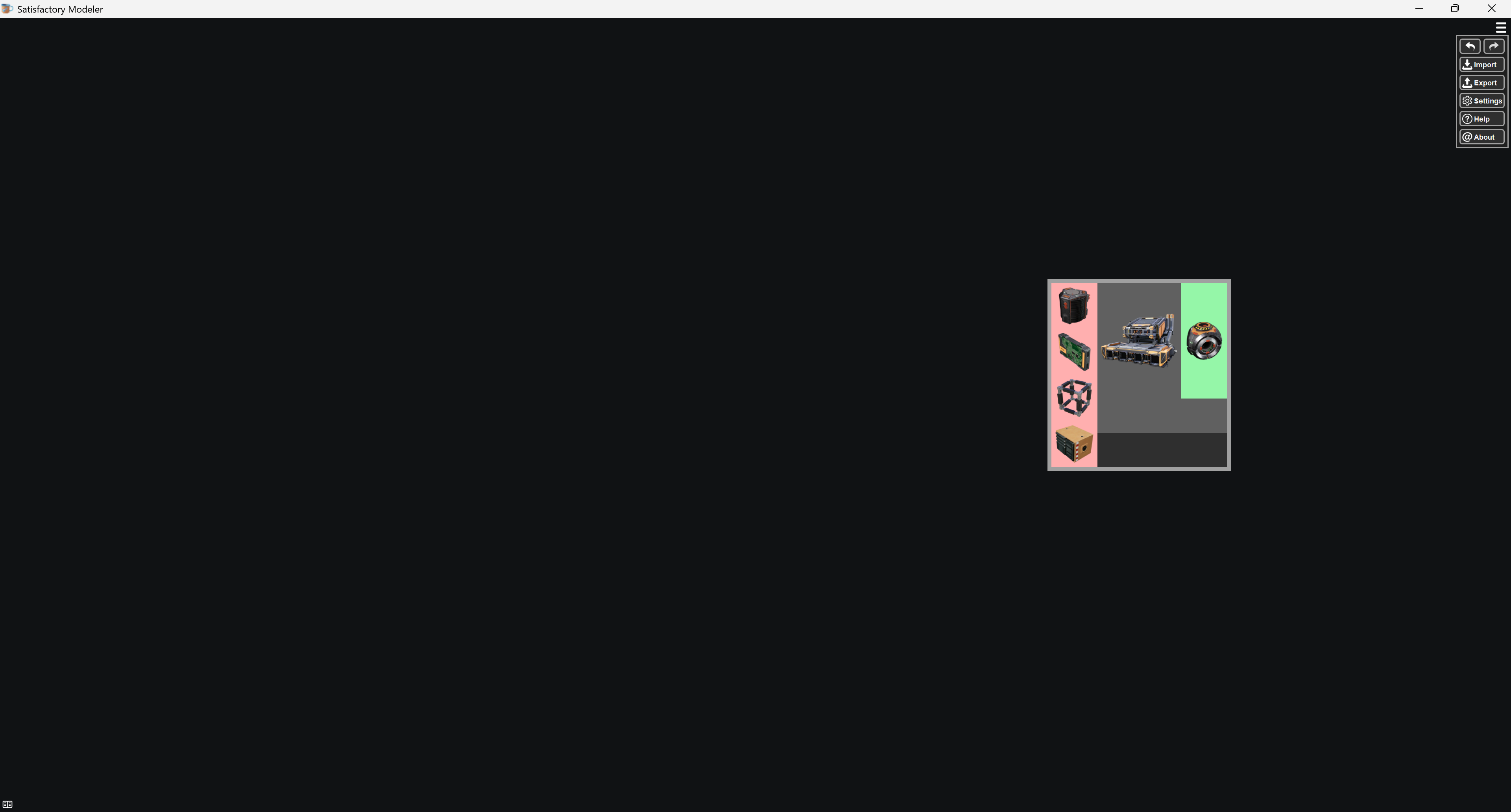
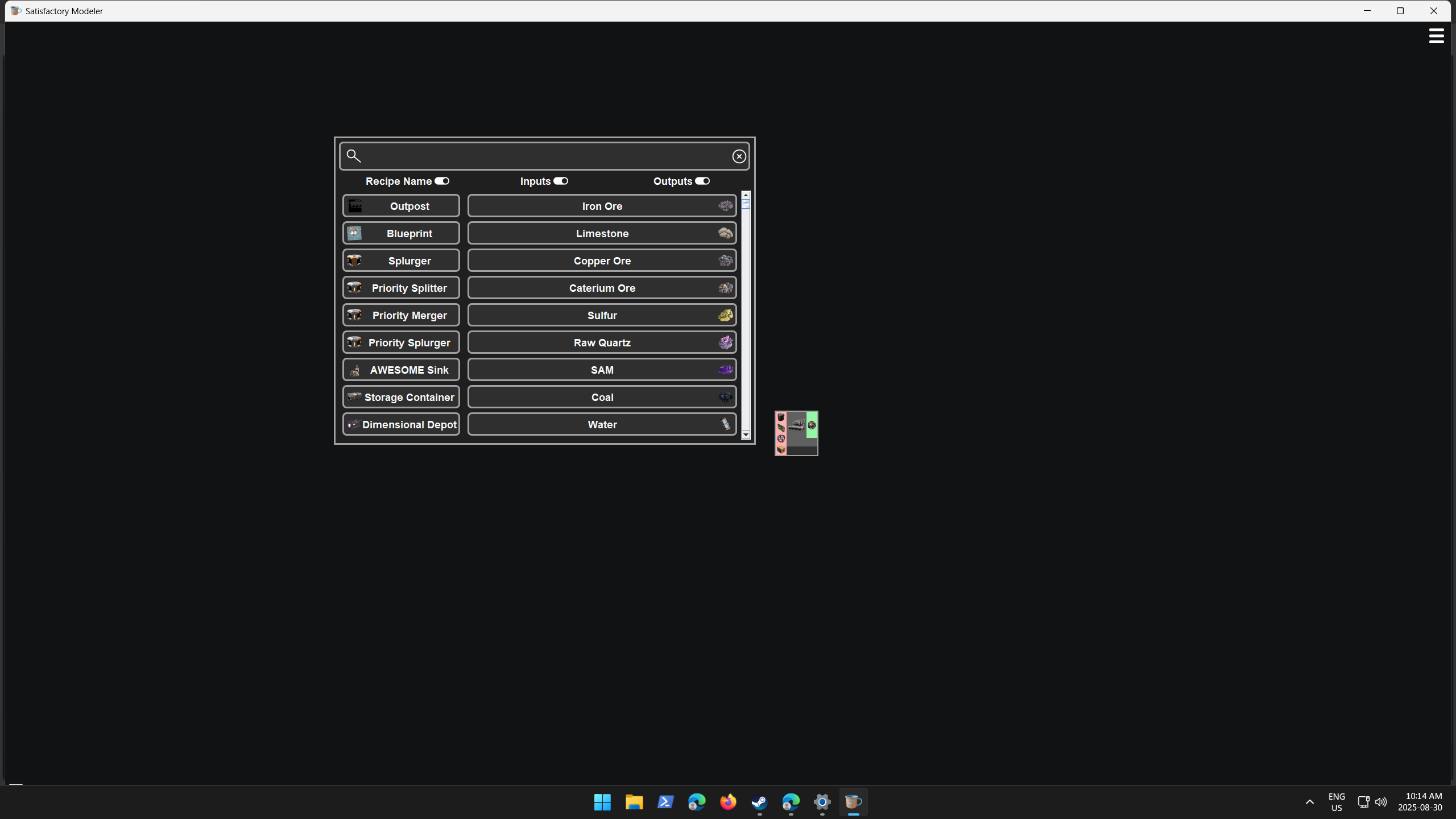
Before the most recent update on August 26th the hamburger menu and right click menu UI were an appropriate size, Now they are very small as seen in the pictures.
Changing my resolution from 3840×2160 to 2560×1440 seems to correct the issue and indicate that the bug is related to 4k scaling.
Log in to comment and vote
Comments2
satisfactorymodeler
Aug 30, 2025
This latest patch changes how it handles default OS scaling. The OS scaling would simply zoom the image, causing things to be blurry. The modeler has it’s own scaling built in which scales without the blurriness. On Linux I read the OS scaling, then disable it and adjust the app scale according to how the os scaling would want to scale it. However in Windows, I can either read the os scaling or disable it, but not both, as reading it locks it in, and disabling it clears the value out. So on windows the os native scaling has to be completely disabled to avoid blurry icons. However the fix to this is very simple. Simply go into the menu and in General Settings, adjust the UI Size to your liking. You should find things look a lot less blurry than before the patch.
nmcgregor23
Aug 30, 2025
Additionally, I tried changing windows scaling which had no impact. I changed it from 200% to 300% and after restarting the application the scaling was the same.